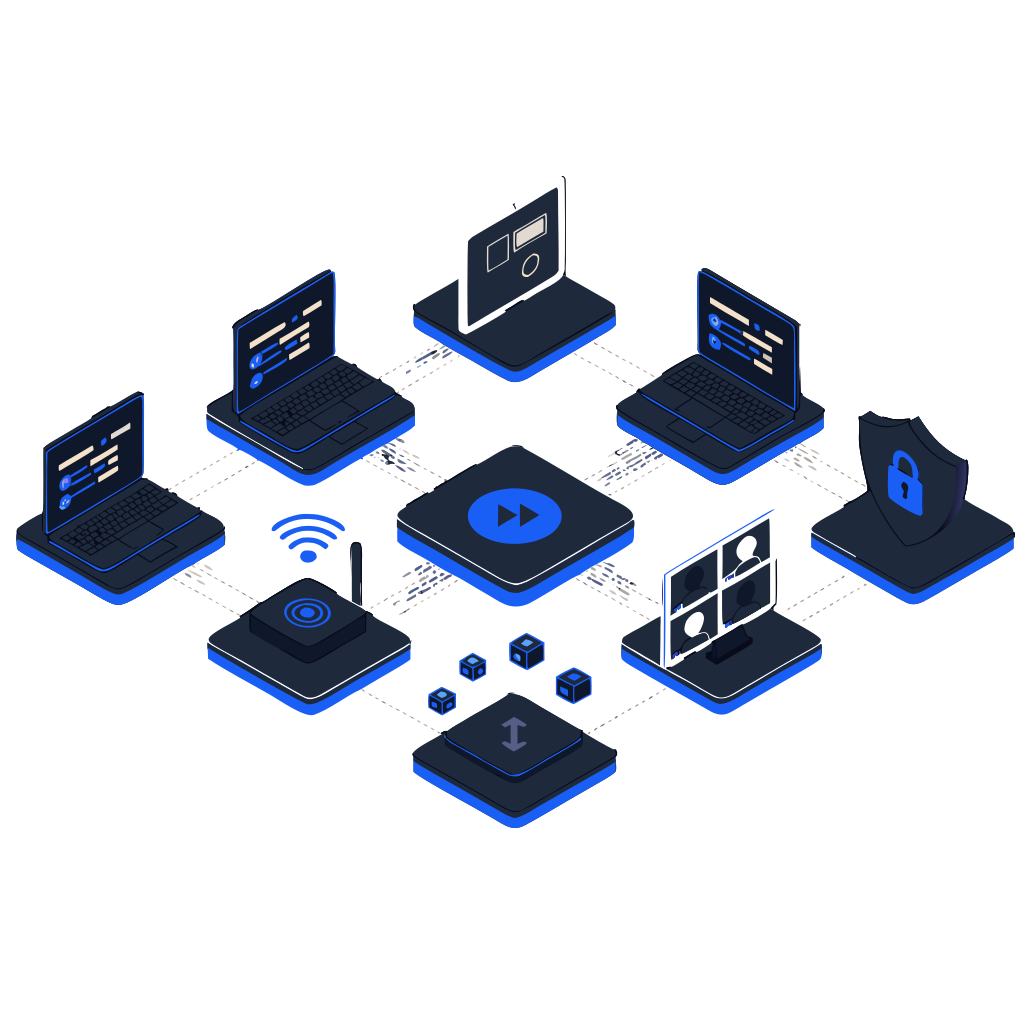
Enable distributed creative teams with secure, high-performance remote editing environments supporting 4K/8K workflows, real-time collaboration, and automated backup.
Remote Editing That Actually Performs
PostForward implements secure, high-performance remote editing environments that maintain professional quality while enabling global collaboration — from individual freelancers to enterprise creative teams.
4K/8K Performance
Real-time editing over standard internet connections.
Secure Shared Access
Project assets available from anywhere with proper access controls.
Automated Backup
Professional version control and redundancy built into every workflow.
Global Collaboration, Studio-Quality Performance

Washington, DC headquarters connecting creative teams in Los Angeles, London, Tokyo, Vancouver, Berlin, and Cape Town
Remote Editing Infrastructure
Studio-quality performance delivered over standard internet connections
Bandwidth Optimization
Maximize editing performance with limited connectivity
Secure Collaboration
Protect client assets while enabling team coordination
Scalable Remote Workflows
Grow from single editors to distributed creative teams
Enterprise Remote Editing Architecture
From high-performance infrastructure to secure collaboration frameworks, we build remote workflows that scale with your team.
Learn MoreTools That Connect Everyone
Adobe Creative Cloud
Custom remote access configurations and cloud sync management.
Secure Storage Connections
Fast access to shared storage from remote locations.
Frame.io & Monday.com
Custom review and approval workflows for seamless feedback loops.
Quality Control Systems
Professional standards maintained across distributed editing teams.
Why Architecture Matters
Remote editing performance directly impacts creative productivity and project delivery. Our team brings:
Infrastructure Specialists
Certified in remote infrastructure and network optimization.
Workflow Architects
20+ years building distributed creative team environments.
Security Consultants
Specialized in creative asset protection and access controls.
Performance Optimization
Specialists in bandwidth-constrained editing environments.
Frequently Asked Questions
What's the best remote video editing workflow for distributed teams?
There's no single best — it depends on team size, footage volume, and security posture. For NDA-heavy work with native 4K media: peer-to-peer (Strada) or cloud-mounted shares (LucidLink, SuiteStudios, Shade) preserve quality without uploads. For larger teams with predictable storage needs: cloud workstations (Parsec/HP Anyware to AWS/Jump Desktop/Azure GPUs) plus a shared cloud-attached drive. The wrong answer is uploading dailies to Frame.io and hoping editors deal with proxies.
How do I securely collaborate on video editing remotely?
Three layers matter: storage access (LucidLink, Suite Studios, Shade, Strada, or cloud workstations that don't require uploading native media to a third-party cloud you don't control), team access (folder-level permissions in the MAM, not network-level), and review (Frame.io or similar with watermarked proxies for client review). Skip ad-hoc Dropbox/WeTransfer flows — they leak, and most NDAs don't actually permit them.
What are the best tools for remote video editing collaboration?
For storage and access: LucidLink, Strada, Suite Studios, Shade. For cloud workstations: Parsec, HP Anyware (Teradici), Jump Desktop or AWS WorkSpaces. For MAM: iconik with proxies. For review and approval: Frame.io. For transfer: MASV or Strada's built-in transfer. Most distributed teams end up with 3-4 of these layered together — the combination matters more than any single tool.
Can you do 4K video editing remotely without uploading to the cloud?
Yes — peer-to-peer platforms like Strada mount a contributor's drive directly to your NLE without uploading. You stream only the bytes you actually read, so a typical home internet connection is enough to scrub native 4K hosted hundreds of miles away. This is also how you handle NDA work where you legally can't upload assets to a third-party cloud you don't control.
How do remote video editing workflows work for post-production houses?
For post houses, the pattern is typically hybrid: in-house SAN for active facility work, a cloud-attached layer (LucidLink, SuiteStudios, Shade, or Strada, or a cloud workstation environment with remote desktops using Parsec, HP Anyware, or Jump Desktop) for remote contributors and freelancers. The MAM (usually iconik) sits across both, so editors see the same project view regardless of where they're editing from. Client review happens through Frame.io with watermarked proxies.
Other Services
Workflow Consulting
Streamline your production pipeline from pre-production to delivery.
Tech Support
Expert troubleshooting for Adobe, Avid, and DaVinci Resolve.
Storage Solutions
NAS architecture, shared storage, and hybrid cloud for video teams.
Iconik & MAM
Custom API integrations and automation for media asset management.
Workflow Automation
Connect your tools with n8n, custom APIs, and smart integrations.
S3 Cloud Storage
Affordable S3 storage with 3x free egress. 93% cheaper than AWS.